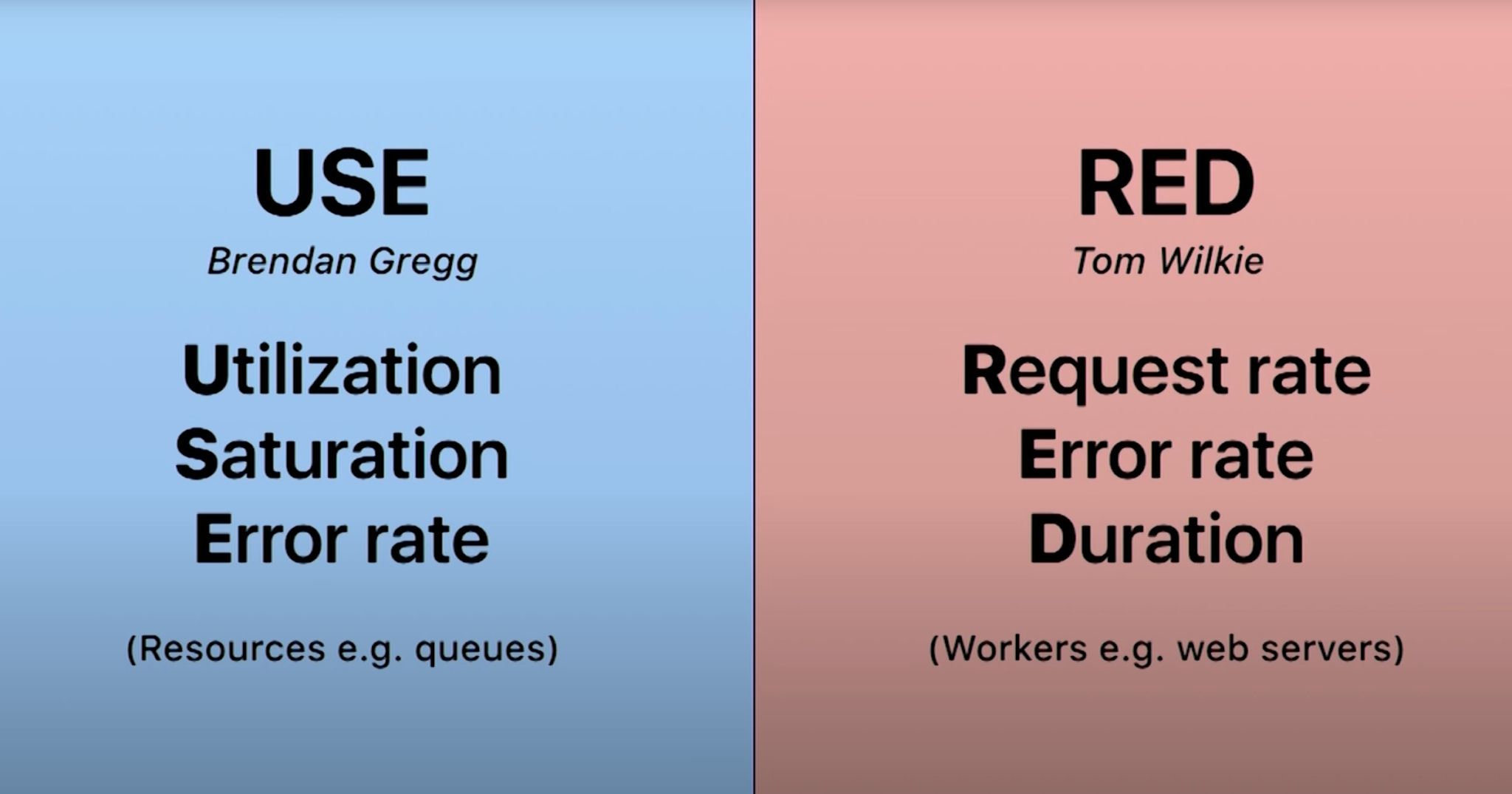
Monitoring your system effectively is crucial for maintaining performance and user satisfaction. Two popular methodologies for choosing what to measure and monitor are the USE Method and the RED Method. Let's break down how each can guide you in setting metrics and alerts for optimal impact on business and user experience.
TL;DR
- USE Method: Utilization, Saturation, Errors.
- RED Method: Rate, Errors, Duration.
- Alerts: Focus on business impact, user experience, and avoid alert fatigue.
What to Put Metrics On
The USE Method
The USE Method, developed by Brendan Gregg, stands for Utilization, Saturation, and Errors. It's designed to help you systematically check the performance of your systems. Here's how it works:
- Utilization: Measure the percentage of time a resource is busy. This helps you understand how much of the system's capacity is being used. For example, CPU utilization can indicate if your processors are overburdened or underused.
- Saturation: Monitor the degree to which a resource is overloaded. This includes waiting times and queue lengths. For instance, if disk I/O saturation is high, it could signal bottlenecks.
- Errors: Track the rate of errors, such as failed requests or corrupted data. Error rates can help identify issues before they escalate into major problems.
By focusing on these three aspects, the USE Method ensures a comprehensive view of system health, pinpointing areas that need attention.
The RED Method
The RED Method, popularized by Tom Wilkie, is tailored for microservices. RED stands for Rate, Errors, and Duration:
- Rate: The number of requests per second. Monitoring this helps you understand the load on your service.
- Errors: The number of failed requests per second. Keeping an eye on errors allows you to quickly detect and address issues.
- Duration: The amount of time it takes to process a request. This metric helps you measure and improve the performance and responsiveness of your service.
The RED Method is particularly effective for tracking the health of microservices, offering clear insights into their behavior and performance.
What to Put Alerts On
Setting alerts is about more than just monitoring every possible metric; it's about focusing on what truly matters to your business and user experience. Here's a strategic approach:
- Prioritize Business Impact: Alert on metrics that directly affect your business operations. For example, if an e-commerce site's checkout process has high error rates, that should trigger an alert.
- User Experience: Consider the end-user experience. Metrics like page load time and transaction success rates are critical. If these metrics degrade, users may abandon your service.
- Avoid Alert Fatigue: Don't overwhelm your team with too many alerts. Focus on the most critical metrics to avoid alert fatigue, ensuring that important issues get the attention they deserve.
- Thresholds and Anomalies: Set thresholds for normal operation and trigger alerts when these thresholds are breached. Additionally, use anomaly detection to identify unusual patterns that could indicate problems.
By judiciously selecting what to measure and alert on using the USE and RED methods, you can maintain a robust, user-friendly system that supports your business goals. This balanced approach ensures that you're prepared to address issues promptly without getting bogged down by unnecessary data.
Summary
The USE Method (Utilization, Saturation, Errors):
- Utilization: Measure the percentage of time resources are used.
- Saturation: Monitor overload levels (waiting times, queue lengths).
- Errors: Track the rate of errors (failed requests, corrupted data).
The RED Method (Rate, Errors, Duration):
- Rate: Monitor the number of requests per second.
- Errors: Track the number of failed requests per second.
- Duration: Measure the time taken to process requests.
Alerting Strategy:
- Prioritize Business Impact: Focus on metrics affecting business operations.
- User Experience: Monitor metrics critical to end-user satisfaction.
- Avoid Alert Fatigue: Limit alerts to the most critical issues.
- Thresholds and Anomalies: Set thresholds and use anomaly detection for effective alerting.